
Mbox Viewer Pro comes to Linux: how to install it on Ubuntu, Debian and Fedora
Mbox Viewer Pro 2.10.0 now runs on Linux, in beta: packages for Ubuntu, Debian and Fedora on x86_64 and ARM64, updates through the system and the same licence as on Mac and Windows.
As of 1 November, Mbox Viewer Pro has a Linux version. It is 2.10.0, the same number as on Mac and Windows, with its own graphical interface and in beta. You download it from the Linux page; it is not in any store.
Until now, the only way to read an MBOX on Linux with our tools was mboxShell, our command-line tool. Now you get the full app: open the file, see it in three columns, and search, read and export offline.
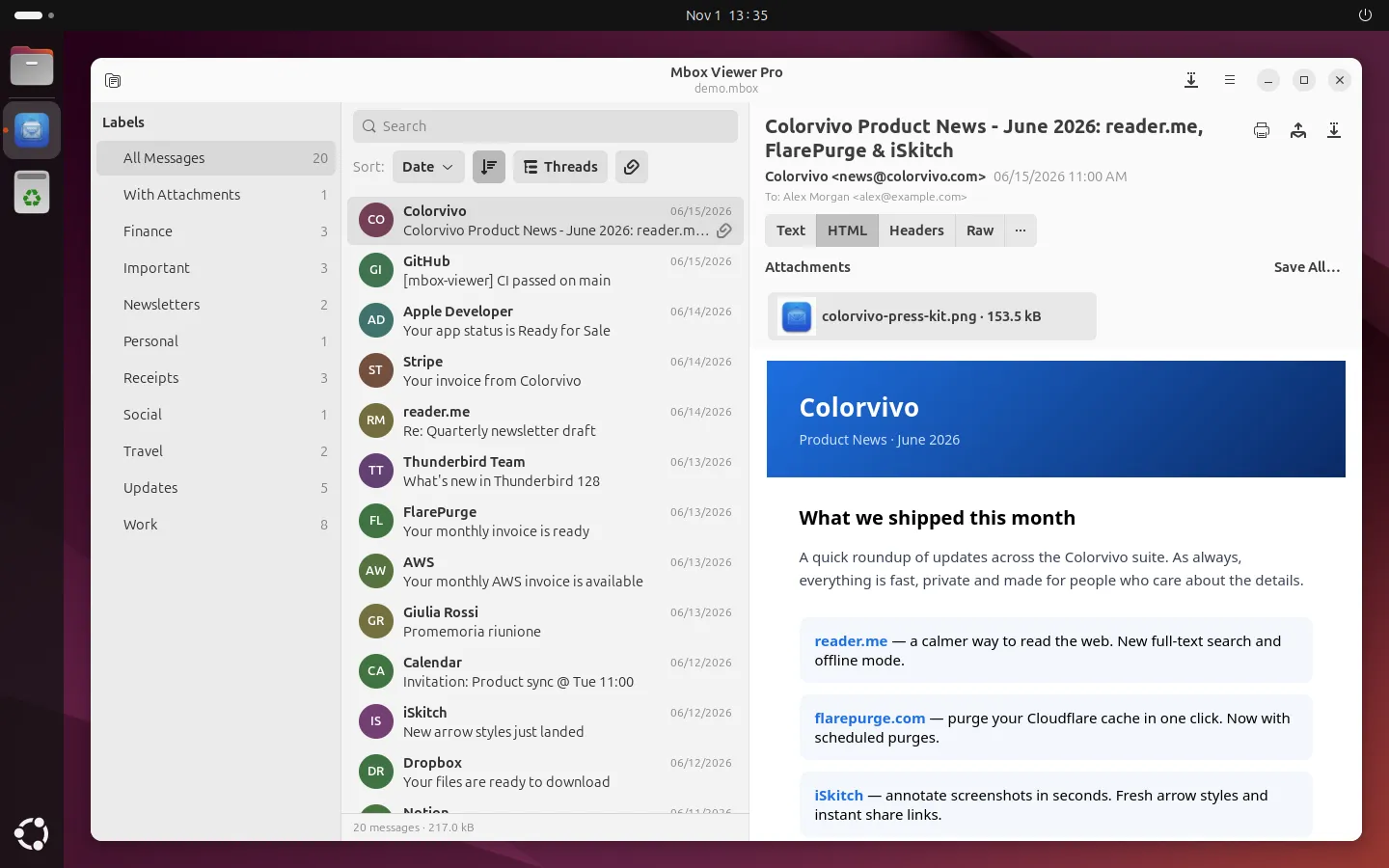
Mbox Viewer Pro 2.10.0 on Ubuntu 24.04 with GNOME.
What the Linux version does
It is built natively with GTK 4 and libadwaita, so it looks and behaves like the rest of the apps on your desktop. Underneath it uses the same engine as the Mac and Windows versions, the one that reads files of any size without loading them into memory.
- Opens MBOX mailboxes, loose EML messages and the
.mboxfolders Apple Mail exports, each in its own tab. - Searches with the same syntax (
from:,subject:,has:attachment…), with history and filters by Gmail label. - Groups messages into conversations and sorts them by date, sender, subject, size or recipient.
- Shows the HTML without connecting to anything: remote images only load in the message you choose.
- Exports to EML, MBOX, CSV, TXT, PDF, HTML and MHT, prints, and merges several MBOX files into one without duplicates.
It speaks the same 21 languages as the Mac and Windows app, and follows the system’s light or dark theme.
Distributions and desktops
There are packages for both architectures, x86_64 (Intel and AMD) and ARM64:
- Ubuntu 24.04 or later and Debian 13, with the
.deb. - Fedora 44 or later, with the
.rpm. - Flatpak, for any other distribution, also on both architectures.
It needs GTK 4.14, libadwaita 1.5 and WebKitGTK 6; if they are missing, the packages install them for you. We have tested it on GNOME, KDE Plasma, Xfce, Cinnamon and MATE.
How it looks on each desktop
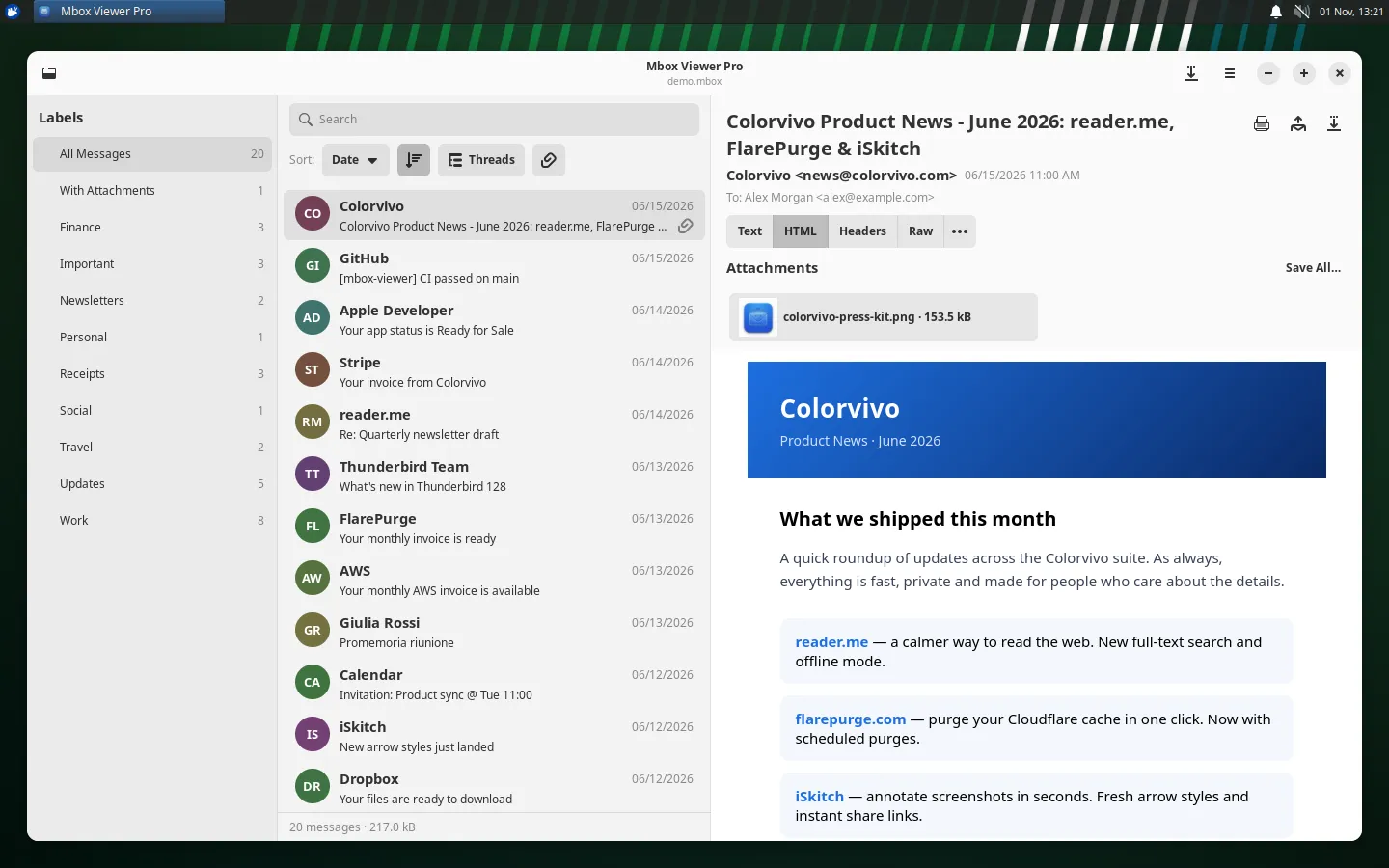
The app uses each desktop’s theme, icons and dialogs. All of these screenshots are of 2.10.0 with the same sample mailbox.
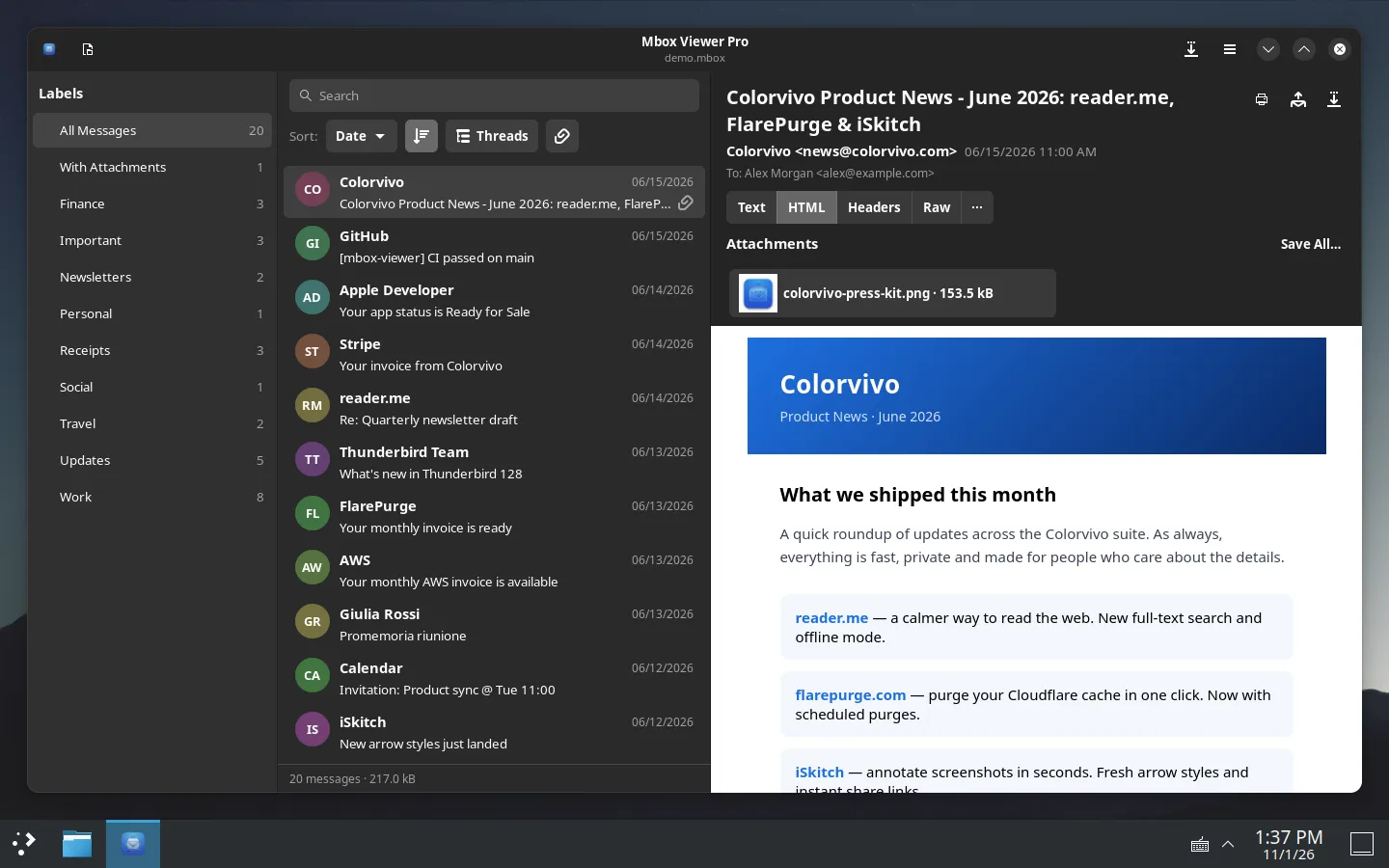
KDE Plasma with Breeze Dark: the app follows it without any setting.
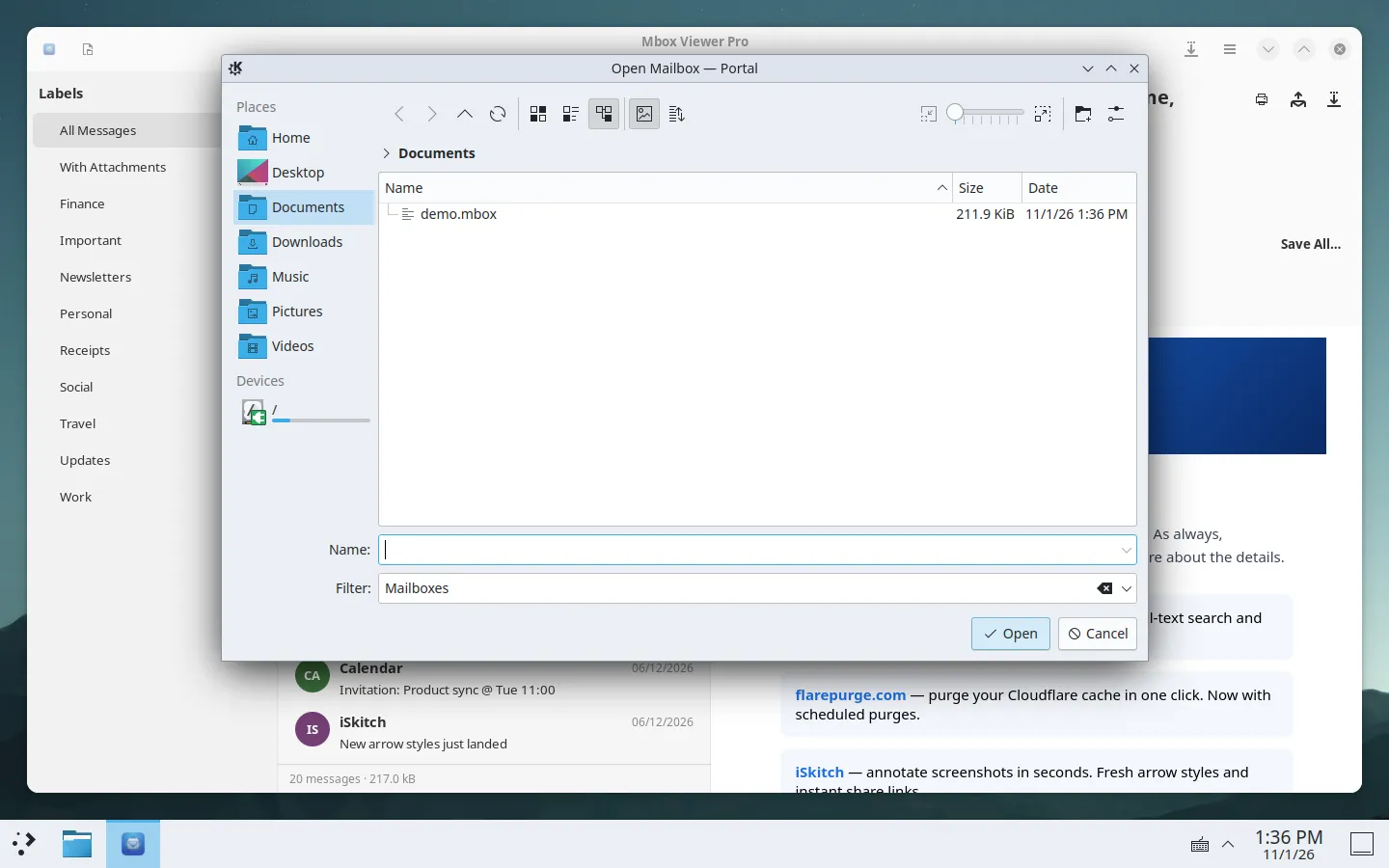
On KDE, the dialog for opening a mailbox is the desktop’s own.
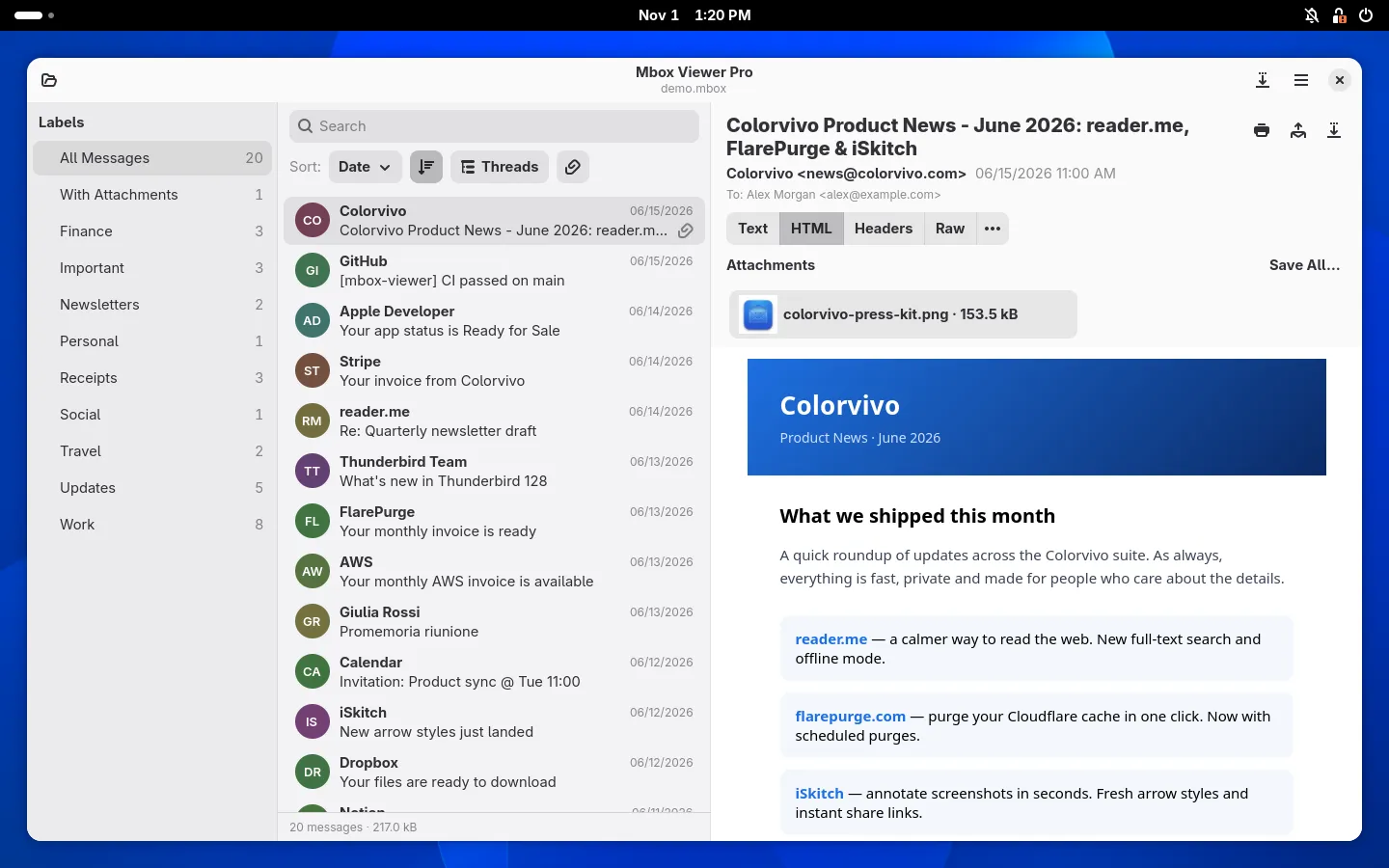
Fedora 44 with GNOME.
Xubuntu 24.04 with Xfce.
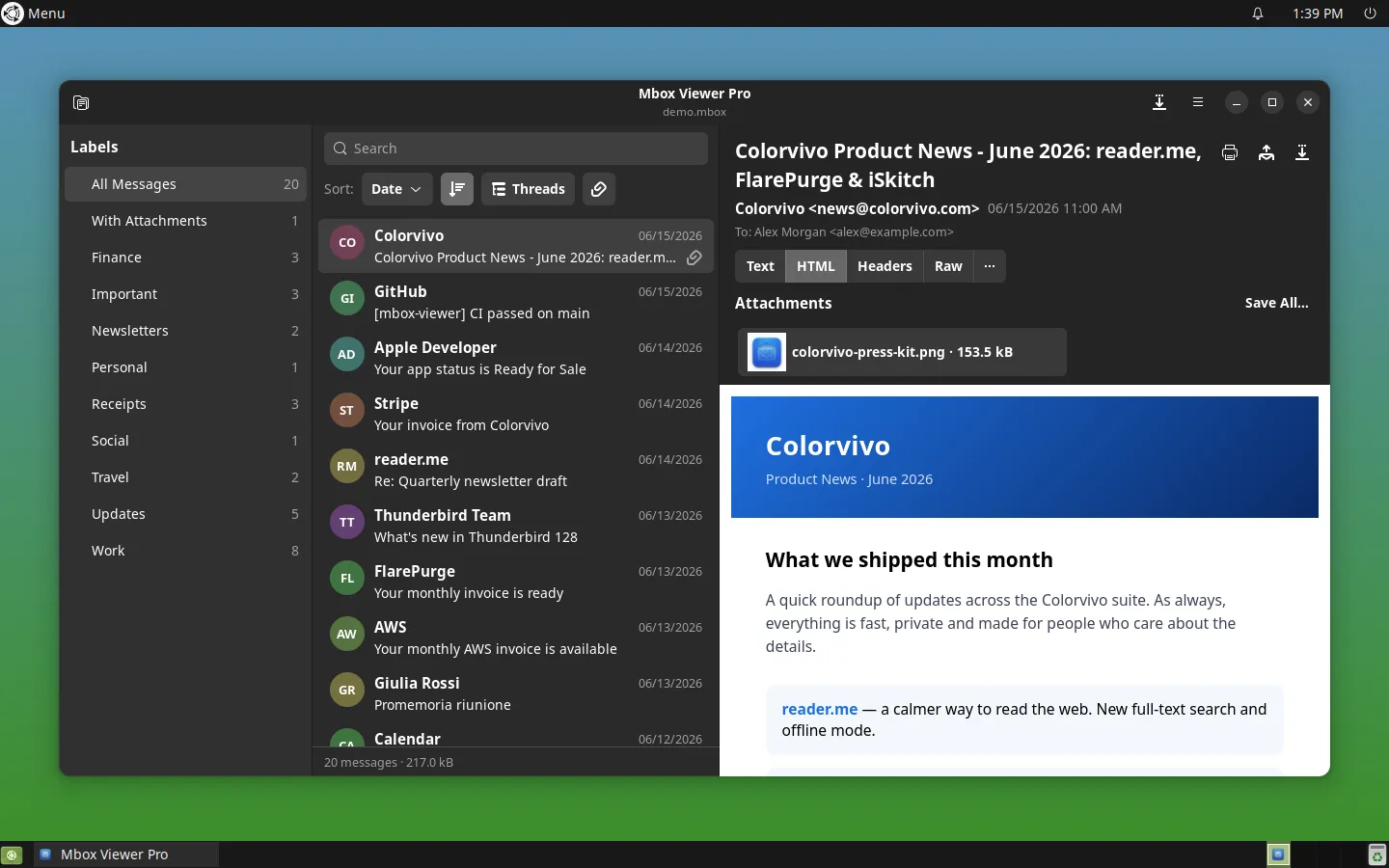
MATE in dark mode.
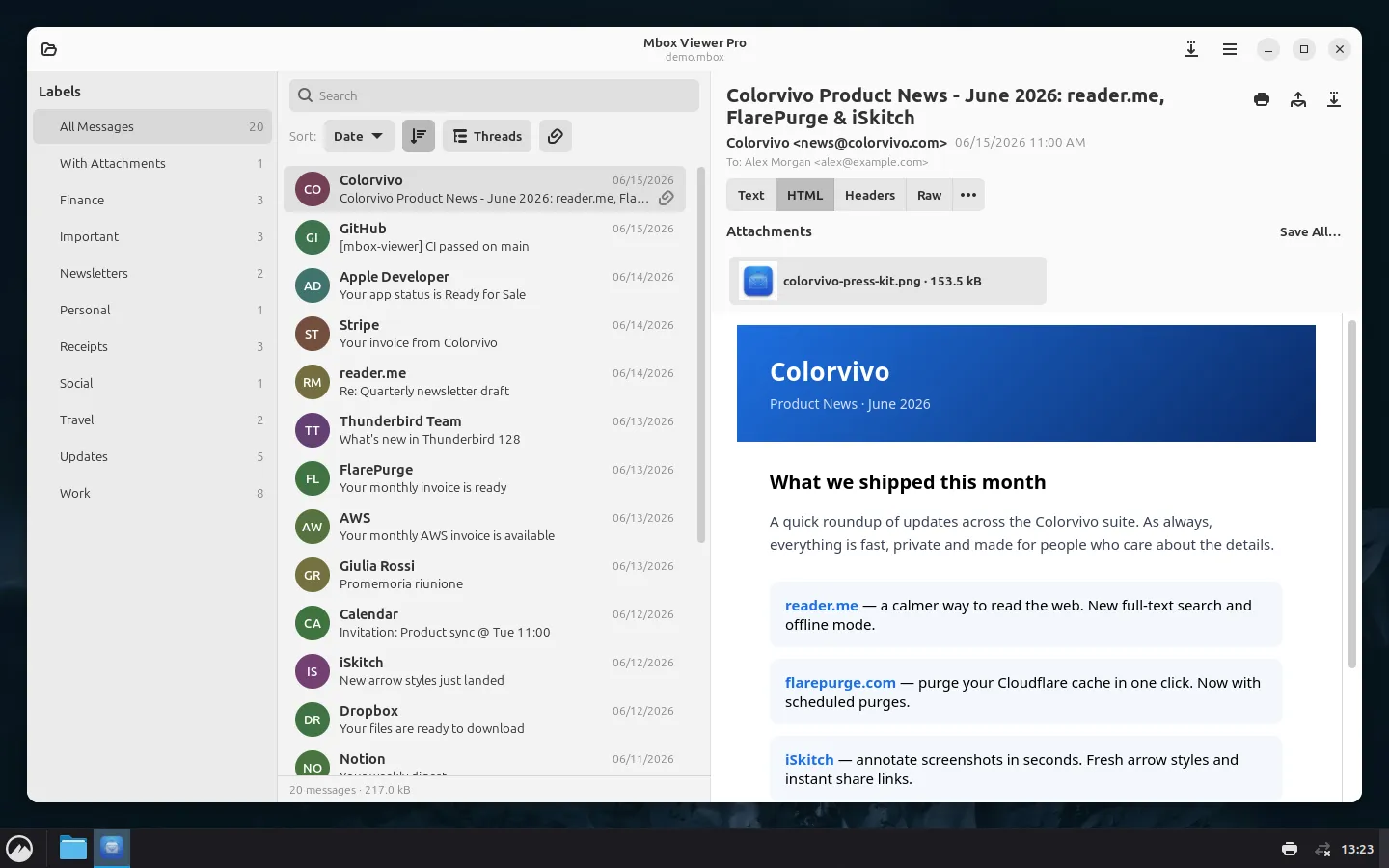
Cinnamon.
How to install it
Download the package for your distribution from the Linux page, which detects your architecture and highlights the right button. Then double-click the file or install it from the terminal:
sudo apt install ./mboxviewerpro_amd64.deb    # Ubuntu and Debian
sudo dnf install ./mboxviewerpro.x86_64.rpm   # Fedora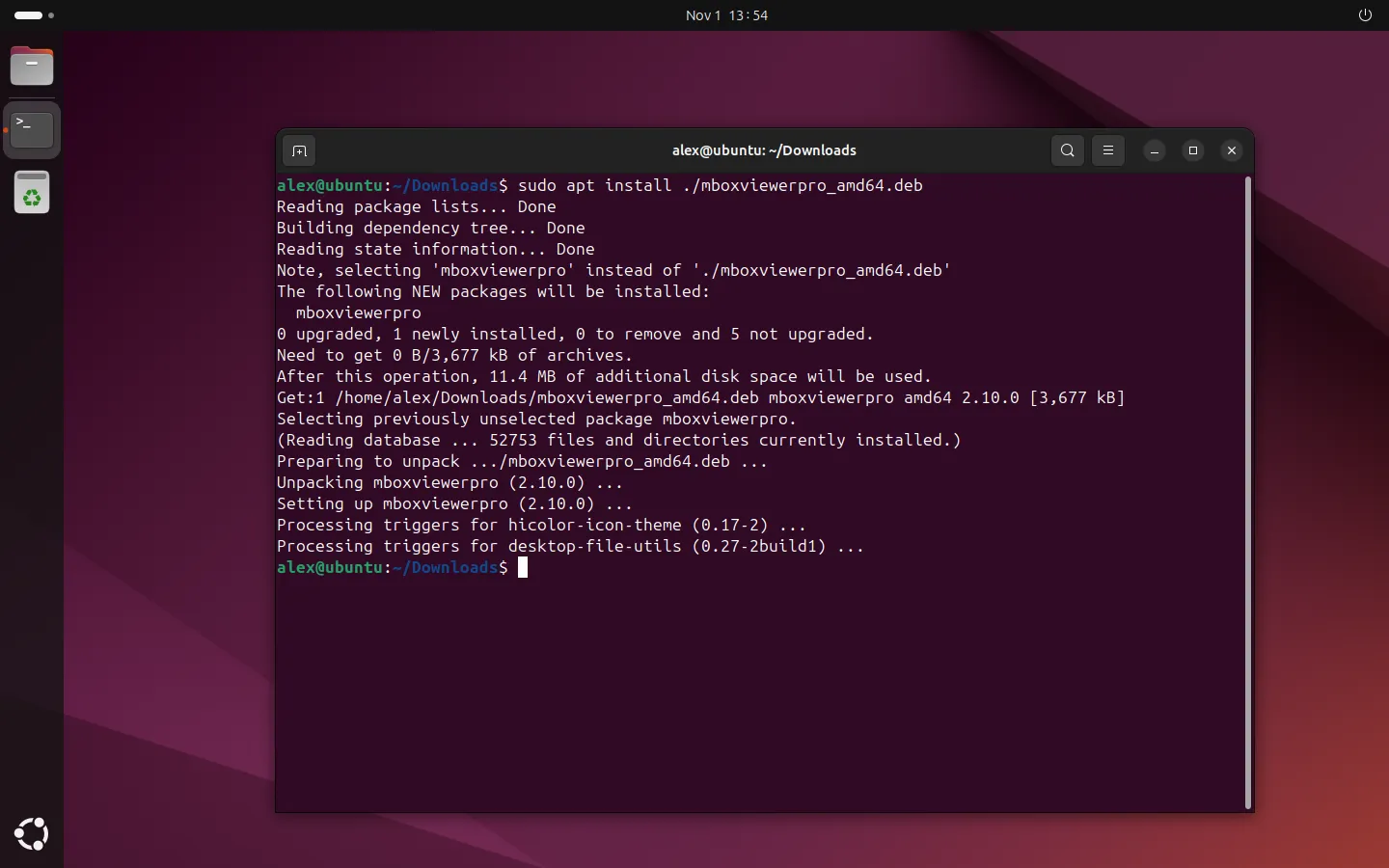
Installing the .deb on Ubuntu, start to finish.
With Flatpak, the .flatpakref file on the same page installs it from your software centre, which also keeps it up to date.
The package adds our signed repository, so new versions arrive with your system updates, without coming back to the website. On top of that, once a day the app checks whether there is a new version and tells you, but it never updates itself. You can turn that notice off in Settings.
The Linux page also has the GPG key fingerprint, in case you want to verify the downloads, and how to uninstall the app.
The licence: the same as on Mac and Windows
The Linux version is only sold on our website, with the same licences as the Mac and Windows direct download. One key works on all three systems and the devices count together: the lifetime licence covers 3 and the annual one 2, for example a Mac and a Linux PC.
There is no Pro trial. The free version opens mailboxes up to 1 GB, with no time limit and no account, and it is the way to try it with your own files. If you need more, you buy Pro in the browser and the key arrives by email.
Why beta
It works and it is on sale, but it is the first Linux version and we have tested it on fewer systems than the Mac and Windows ones. If something does not work right on your distribution or desktop, write to us and tell us which one you use: that is exactly what helps us drop the label.
Prefer the terminal? mboxShell is still there, free and open source, and it runs on Linux too.
Open your archive with Mbox Viewer
Native app for Mac, Windows and Linux. Streams MBOX and EML files of any size, fully offline.